Fast, safe PC cleanup for Windows

Clean Up Junk Files and Get Your PC Running Smoothly Again

Remove temporary files, leftover installer data, browser clutter and unused startup items in a few clicks. Free up disk space and help your PC start faster, without touching your personal documents.
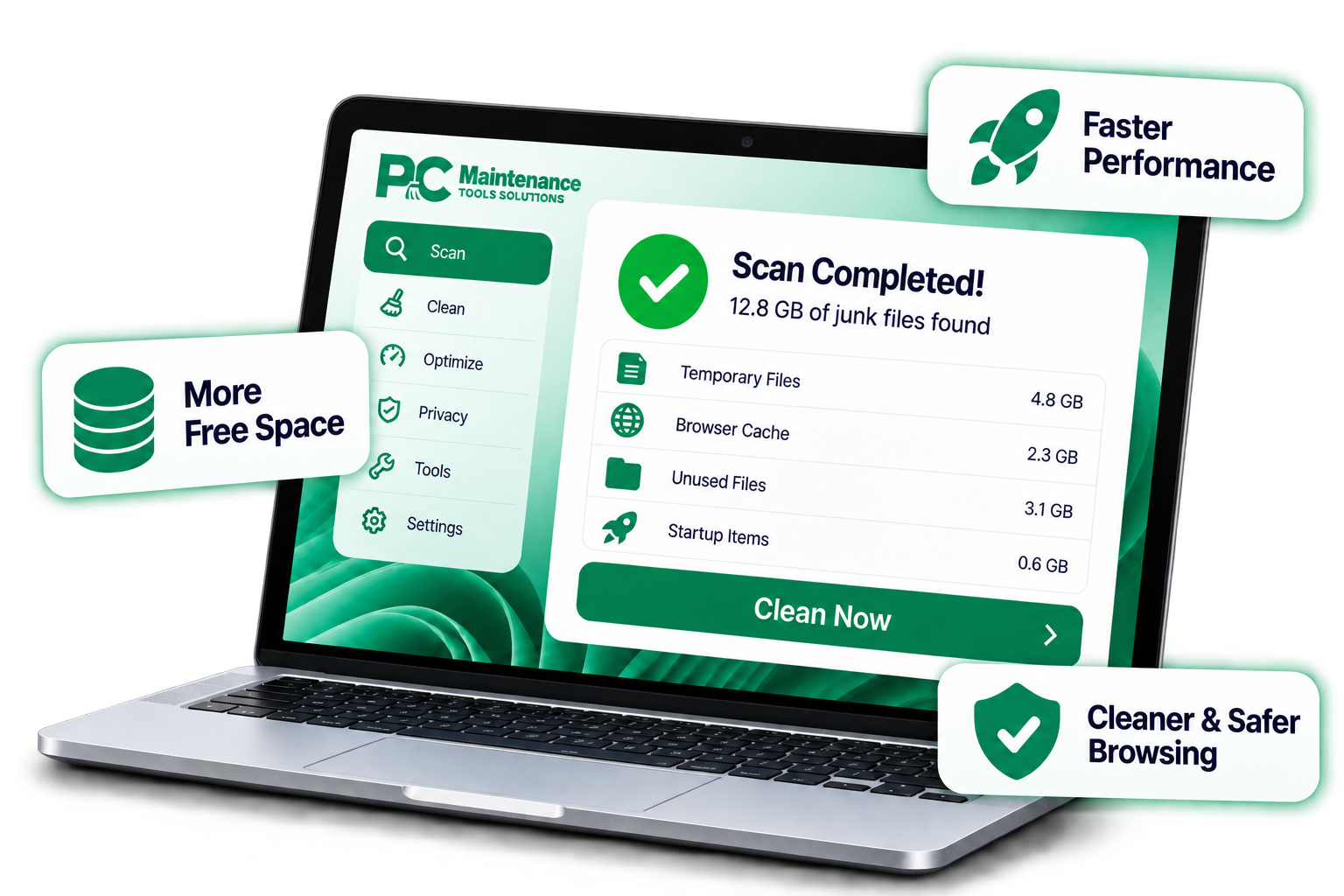
  • Safe & Secure
  • No Personal Files Deleted
  • Easy to Use

Features

Six Ways PC CleanPro Cleans Up Your PC

Clear out what you don't need, tidy what runs at startup, and keep your browsing traces under control.

Junk File & Disk Cleanup

Finds and removes temporary files, leftover installation files, incomplete downloads and system caches that take up space. Your documents, photos and personal files are left alone.

Privacy & Browser Cleanup

Clears browsing history, cookies, cached data and tracking traces from popular browsers. You choose what to remove and what to keep, such as saved logins.

Startup & Memory Optimization

Shows which programs launch when Windows starts and lets you disable the ones you don't need. Fewer background programs means faster boot times and more available memory.

Duplicate File Finder

Finds duplicate photos, videos, documents and other files that unnecessarily take up storage. Review the results and remove unwanted copies to reclaim valuable disk space.

Large File Cleaner

Quickly identifies large files and folders consuming significant disk space. Find what's taking up room and decide what you want to remove or keep.

Uninstall Manager

Finds installed applications you no longer use and helps you remove unnecessary programs. Keep your PC cleaner by reducing unwanted software and background processes.

Compatibility

Works With the Windows PC You Already Have

Designed for Windows 11, Windows 10 (64-bit) and [Windows Server versions, if supported]. Runs on x64 and ARM64 PCs, with no special hardware needed.
  • Windows 11
  • Windows 10
  • Windows Server
  • x64 & ARM64
Laptop running Windows with a blue desktop wallpaper
Smiling person raising a fist in celebration while working on a laptop

Why Choose Us

A Cleaner PC for a Better Experience

Over time, every PC collects temporary files, old caches and programs that launch at startup without you noticing. PC CleanPro finds and removes this clutter so your computer has more free space and fewer things slowing it down.

  • Faster performance
  • More free disk space
  • Cleaner and safer browsing
  • Easy to use for everyone
Get Your Plan

Pricing

Choose the Plan That's Right for You

One-time payment. No hidden subscriptions.

Essential
$0.00 One time payment.
Essential
$0.00 One time payment.
Essential
$0.00 One time payment.

How It Works

Everything You Need for a Cleaner PC

End-to-End PC Cleanup

  1. ScanCheck drives, browsers and startup for clutter.
  2. AnalyzeSort what was found into clear categories.
  3. ReviewKeep anything you want before cleaning.
  4. CleanRemove the selected items in one click.
  5. OptimizeTurn off startup programs you don't need.
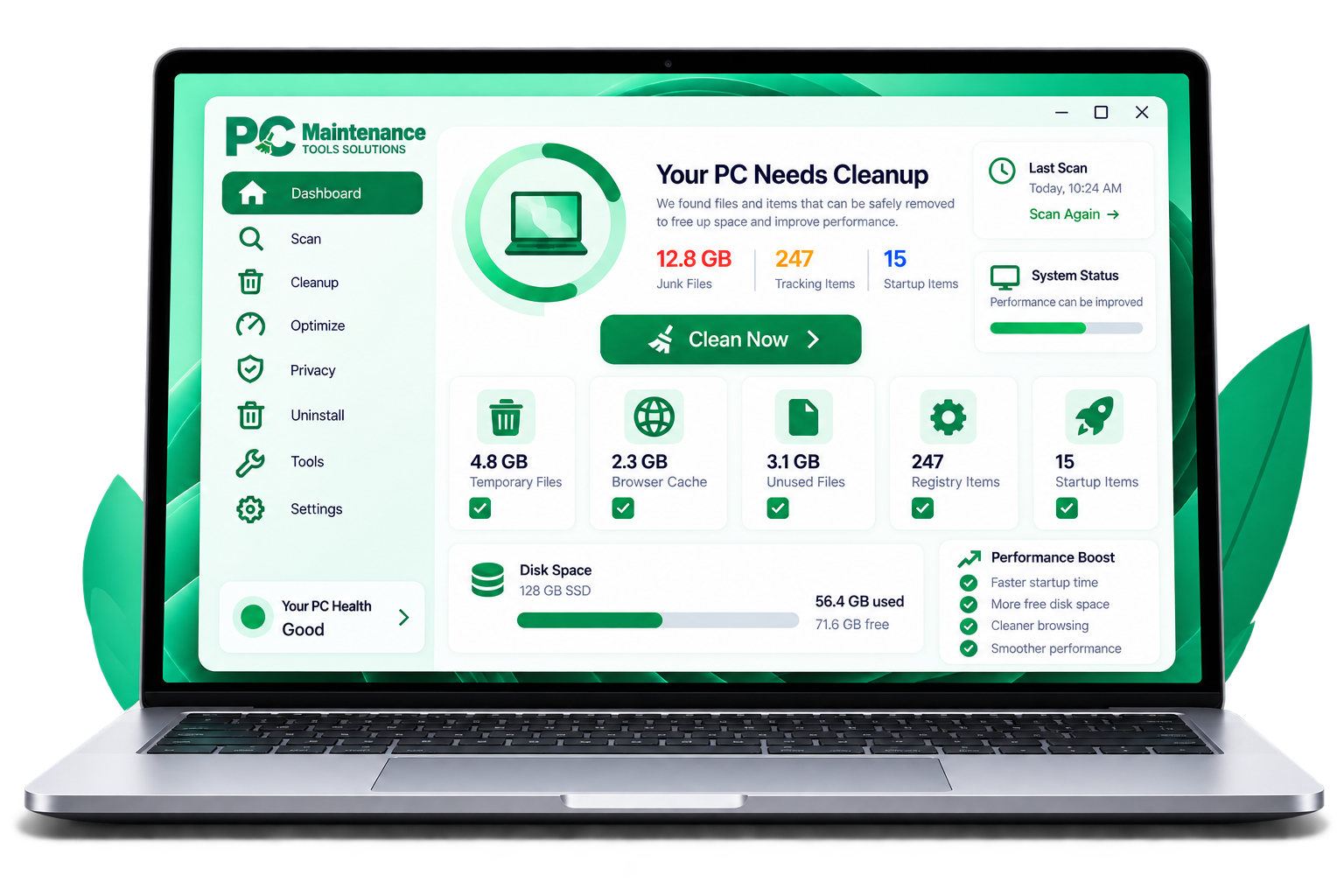
PC CleanPro system overview screen with a disk usage ring, cleanup categories and a list of items found Person celebrating while working on a laptop
  • More Free SpaceClear out caches and leftovers
  • Faster StartupFewer programs at launch
  • Cleaner BrowsingFewer tracking traces
  • Better PerformanceLess running in the background

FAQ

Frequently Asked Questions

Everything you need to know about PC CleanPro.

It is designed to clean only temporary files, caches and registry entries identified as unneeded, and it does not touch your personal documents, photos or other files. A restore point is created before changes are made, so you can undo them if needed.

PC CleanPro only uses system resources while scanning or cleaning. When you're gaming or running heavy tasks, you can pause scheduled cleanups.

Windows 11, Windows 10 (64-bit) [and Windows Server]. Works on x64 and ARM64 PCs.

You pay once for the plan you choose and use PC CleanPro on the number of PCs that plan covers, with no subscription. [Add your license details here, such as how updates are handled.]

Yes. Deactivate your old machine from the license management desk, then activate PC CleanPro on your new PC at no extra cost.

Refund eligibility, applicable conditions, and the process for submitting a request are outlined in our Refund Policy. Please review the policy for further information.

Give Your PC a Fresh Start

Clear out the clutter, free up disk space and make startup faster with a one-time purchase and no subscriptions.